X-Filer on your phone and tablet
The mobile X-Filer is a file manager for your clouds and servers. Open a folder on Dropbox or your NAS, look at a picture, fix a note, upload photos — with the same X-Filer account as on your computer.
What it does today
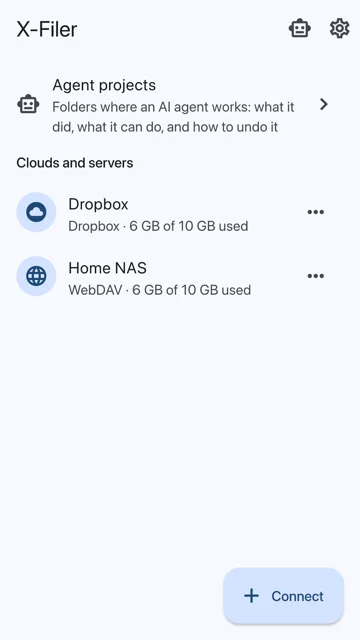
Clouds and servers
Dropbox, OneDrive, Yandex Disk, WebDAV (Nextcloud, Synology, ownCloud), S3-compatible storage, SFTP and FTP. Sign-ins stay on your phone, in the system's secure storage.
Preview
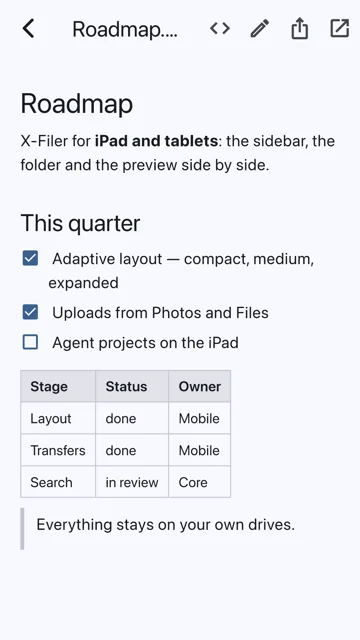
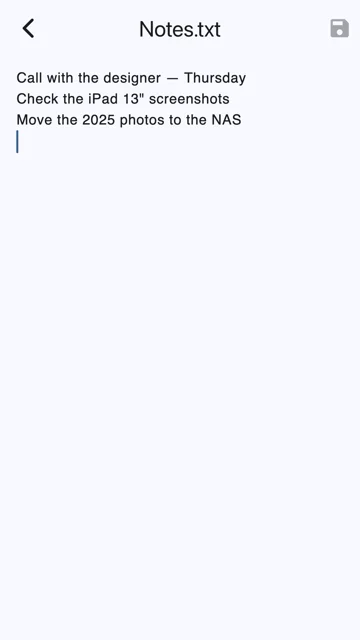
Pictures, text files and Markdown open right in the app — headings, lists, tables and task lists drawn as they should be. Other files open in another app or go to the share sheet.
Edit text files
Fix a note or a config on the server and save it back. If the file changed on the drive in the meantime, X-Filer asks before it overwrites anything.
Uploads and transfers
Upload from your photos and files, copy and move between drives — with progress, cancel and try again. Keep X-Filer open until a transfer finishes.
Search
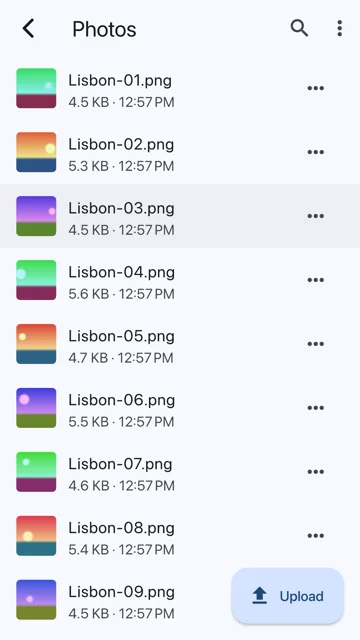
Search the whole drive on Yandex Disk, Dropbox, OneDrive and S3; on servers, filter the folder you are in. Pictures show as thumbnails.
Agent projects
Open a project on GitHub: the agent's versions, what changed, restore a file, the cloud agent's proposals. In a drive folder, see which files changed since your last visit.
Phone and tablet
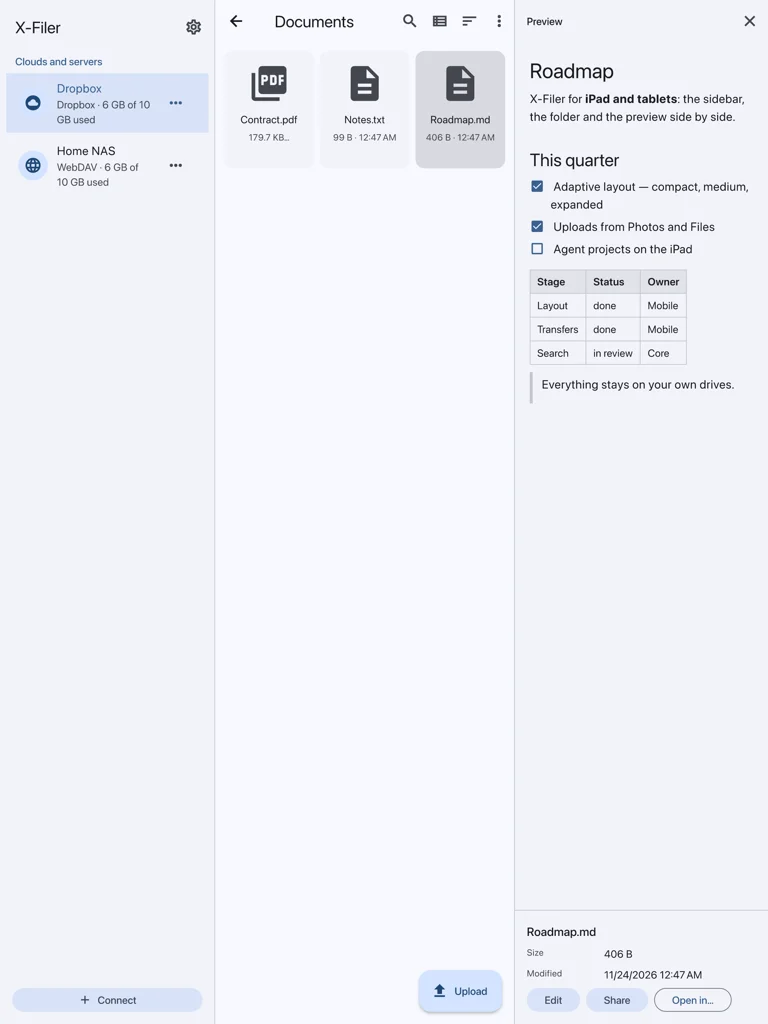
On a phone, folders open one after another. On a tablet or a wide window, X-Filer puts the drives, the folder and a preview side by side, with breadcrumbs and a keyboard: arrows, Enter, Space for preview and shortcuts for search, new folder and select all. Turn the device or resize the window — the folder, the selection and the scroll stay where they were.
One account, one Pro
Sign in with Google or with a code sent to your email — the same X-Filer account as on Windows, macOS and Linux, with the same plans. Pro on your account works on your phone too.
Plans and pricesNot there yet
- Google Drive — it works in the desktop app; on mobile it comes later.
- The iPhone and iPad release — Android goes first.
- Buying Pro inside the app through Google Play or the App Store — later. Pro you already have works.
- Transfers in the background — Android may stop them, so keep the app open until they finish.
- Files stored on the phone itself — X-Filer on mobile is for clouds and servers.
Try it on Android
The Android app is in closed testing on Google Play. Anyone with a Google account can join in three steps.
Questions about the mobile app
Is there an iPhone or iPad app?
It is coming. Android goes first: the app is in closed testing on Google Play now. Subscribe to X-Filer news at the bottom of the page to hear when the iPhone and iPad version is out.
How do I get the Android app?
Join the closed test on Google Play: join the x-filer-testers Google group, become a tester on the testing page, then install X-Filer from Google Play. The steps are on the Android beta page.
Does it work with Google Drive?
Not on mobile yet. The mobile app connects Dropbox, OneDrive, Yandex Disk, WebDAV, S3, SFTP and FTP. Google Drive works in the desktop app for Windows, macOS and Linux.
Is the mobile app free?
Installing it is free. Every drive in the mobile app is a cloud or a server, so connecting one needs an X-Filer account, with the same plans as on the computer: a new account starts with 30 days of Pro without a card, then Free keeps one connection and Pro has no limit.
Do my files go through X-Filer's servers?
No. The app connects straight to your cloud or server, and the sign-ins stay on your phone. Your X-Filer account knows only your email, your devices and your plan.
Can it manage files stored on the phone?
No, it is a manager for your clouds and servers. You can upload photos and files from the phone, and send a file from a drive to another app with Share or Open in.